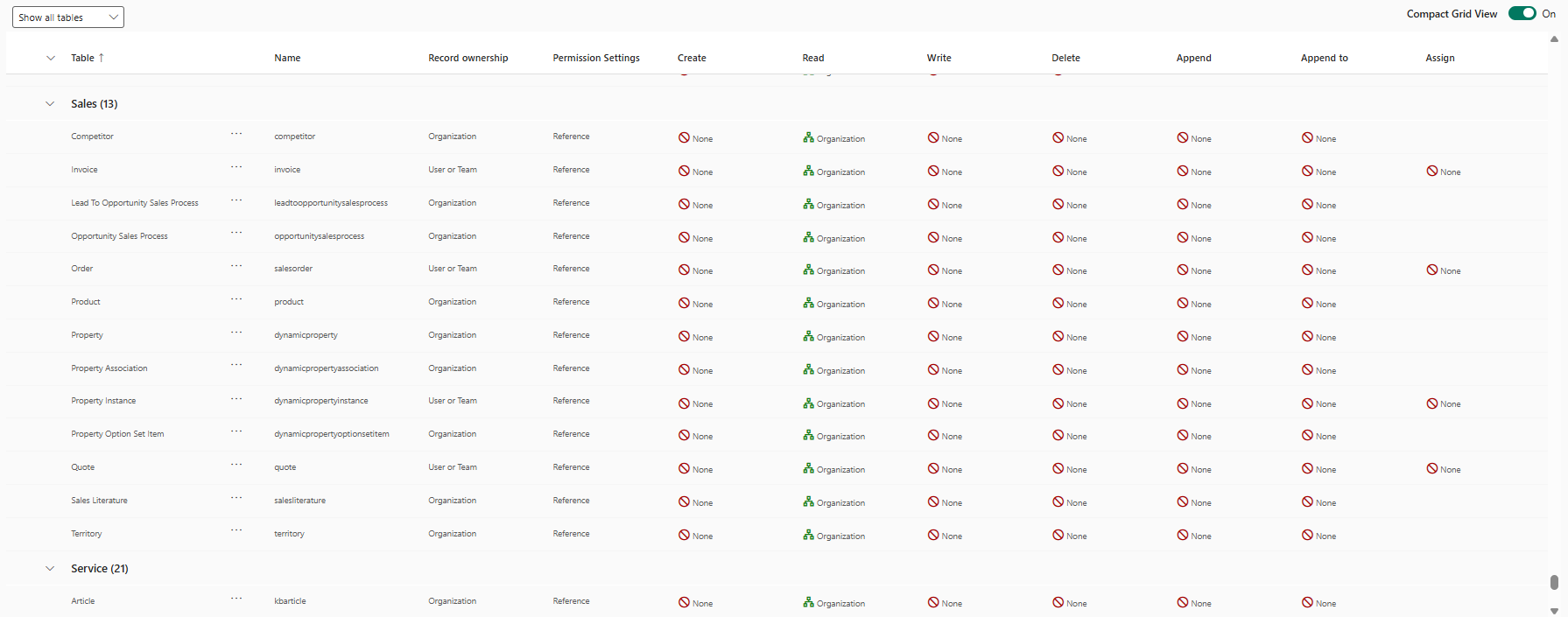
Dynamics 365 Sales often lacks a pure “read role”. To create this efficiently, we copy the standard Salesperson role (sales employee) as a basis, as this already has all the necessary background rights for app navigation and login.
The implementation
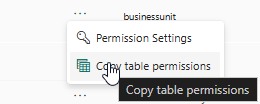
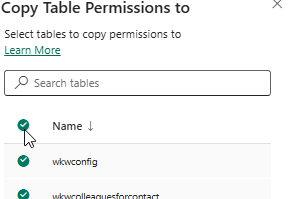
Mass update: Open the copied role and select a table that is already set to Read: Organization. Click on the three dots and select Copy Table Permissions and select all tables.