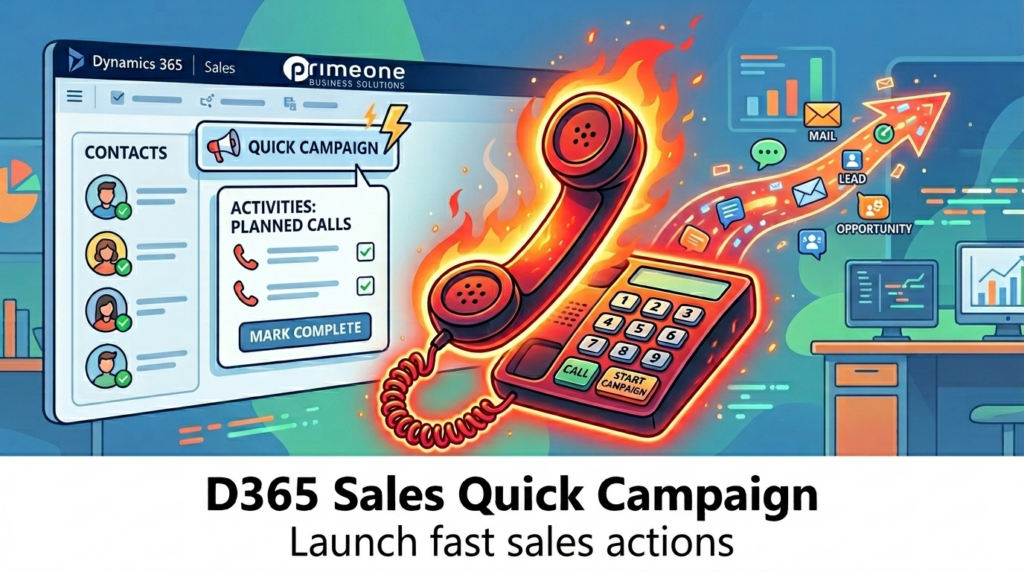
Did you know that you don’t need huge marketing automation in Microsoft Dynamics 365 Sales to launch a targeted sales campaign? If you need to do it quickly – for example for a telephone campaign or a follow-up – the Quick Campaign is your best tool.
What is a Quick Campaign?
With Quick Campaign, you can create a single activity for the entire group directly from a list of contacts, companies or leads.
Step-by-step: The "Call Campaign" example
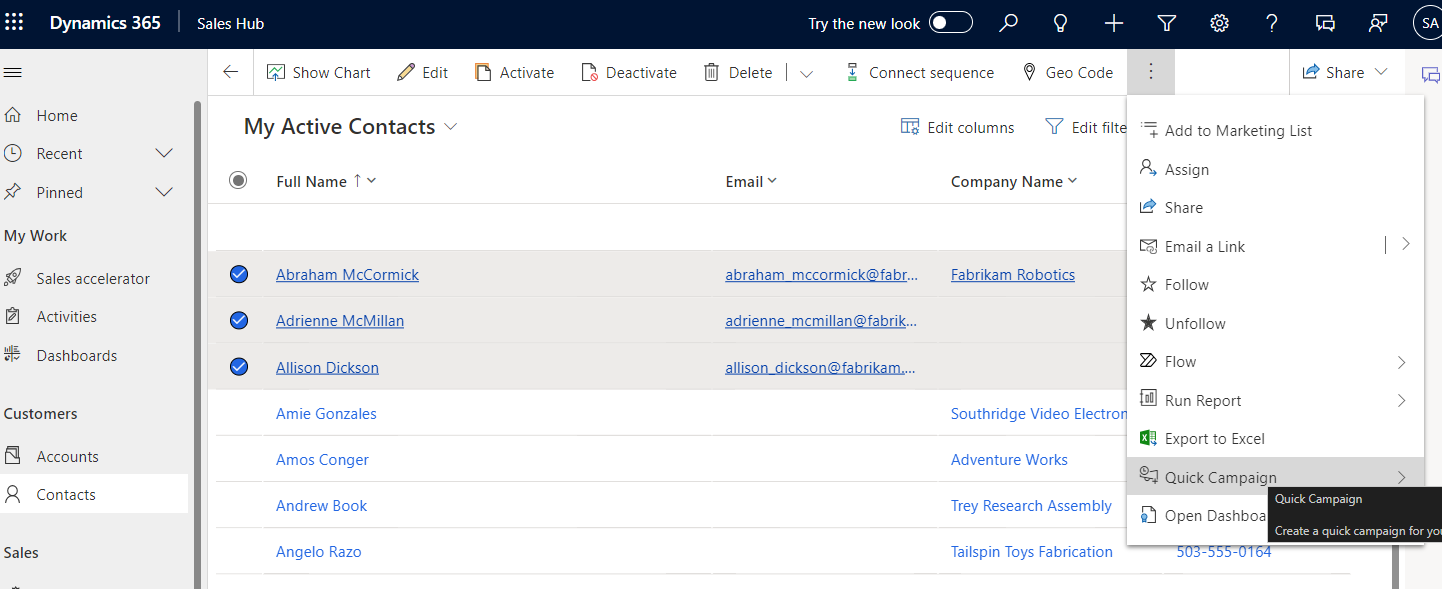
Select target group: Navigate to the Contacts menu item.
Make a selection: Select the desired persons in the list.
Start: Click on Quick Campaign in the command bar.
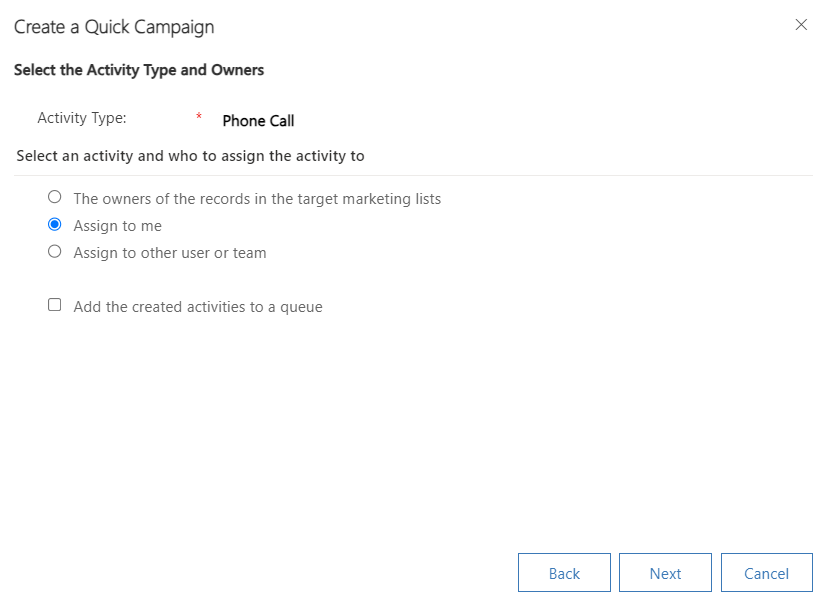
Follow the assistant: Select “Phone Call” as the activity type and assign the tasks to yourself or your team.
Process activities efficiently
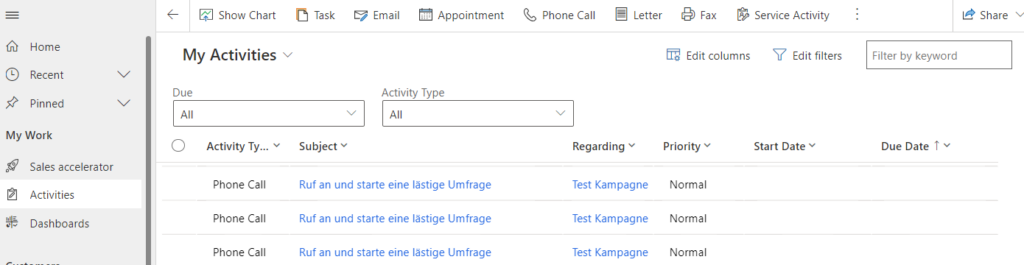
As soon as the campaign has been created, you will find the tasks clearly arranged in the system:
Workflow: You have direct access to all information during the call.
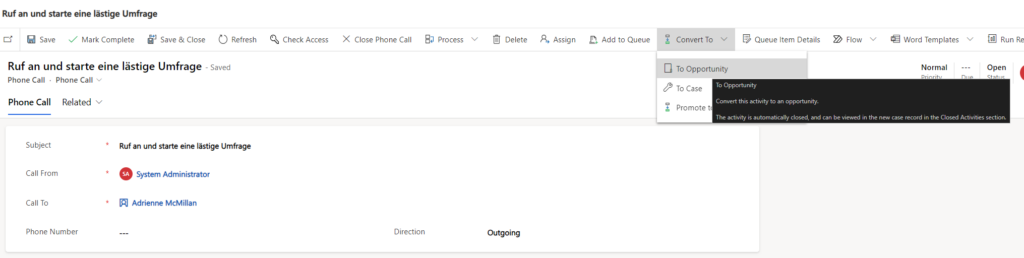
Closing: After the interview, you can close the activity as a Mark Complete or, if successful, convert it directly into an opportunity.
Conclusion: Minimum effort, maximum structure for your sales day!